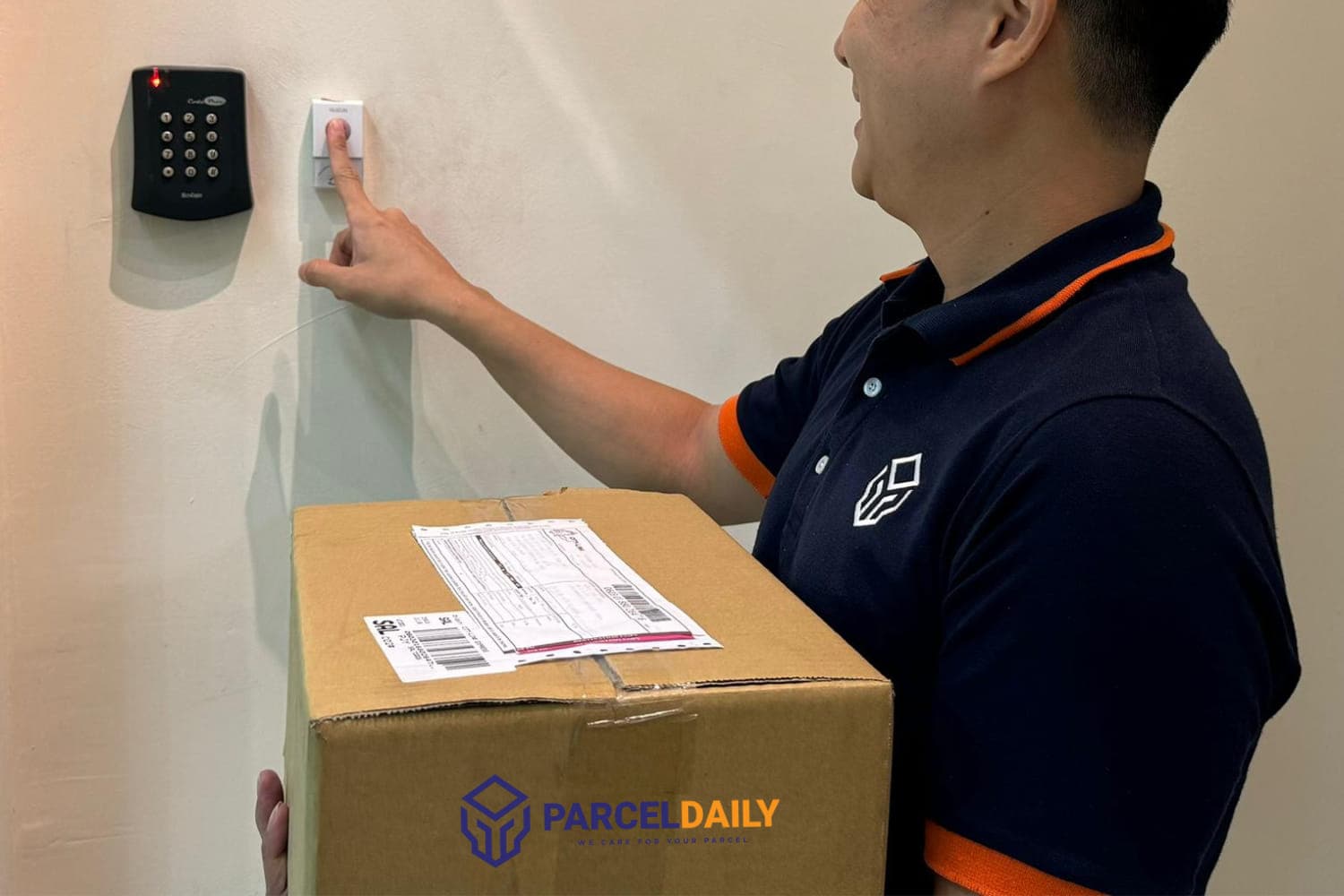


To track any parcel in Malaysia, you just need a tracking number from the sender or app. Simply, enter it on the courier’s official website and voila you are done!
Better yet, use a standard delivery tracking tool like ParcelDaily to check real-time delivery status, regardless of the courier time to save the hassle.
Yet sometimes, the parcel says “shipped” for days, but nothing moves. Or worse, it’s marked as delivered, but your gate’s been locked all day. We’ve all been there, refreshing the page, hoping something changes and nothing happens.
This guide exists to show you exactly how parcel tracking works, where to find your tracking number, what those confusing status updates really mean, and how to get updates from any courier, all in one place.
How Parcel Tracking Works
Every parcel leaves behind a digital trail, you just need the right tools to follow it.
Once a parcel is picked up, the courier scans it at every stage, from warehouse to sorting hub, and finally, to your doorstep.
These scans are time-stamped and uploaded to tracking systems to help both senders and receivers see where the item is, or where it got stuck.
Basic Tracking Flow:
- Picked Up: The seller or merchant hands the item to the courier.
- In Transit: The parcel travels between sorting hubs or regions.
- Out for Delivery: The rider scans the item and loads it into the vehicle.
- Delivered: Marked as successfully received (with or without proof-of-delivery).
- Held / Failed Delivery: If no one was home or delivery couldn’t be completed.
It’s important to know that tracking isn’t always instant, especially during peak periods or international shipping. Some scans update with a delay, depending on the courier’s system or location of the parcel.
If your parcel says “pending scan” for more than 48 hours, don’t panic just yet. It could already be moving, just not updated in the system yet.
Where to Get Your Tracking Number
Before you can track anything, you need the tracking number, it’s the key to everything.
Fortunately, you don’t need to ask for it. You’ll usually find it right after the seller ships your order. It might come via SMS, email, WhatsApp, or directly in your shopping app like Shopee.
The format depends on the courier, but it’s usually a string of letters and numbers, like:
- EP123456789MY (Poslaju)
- SPXMY065729945214 (SPX)
- 123456789012345 (City-Link)
Where to check:
- Shopee/Lazada: Tap into “My Purchases,” then select your order. Scroll to see the tracking link and reference number.
- Ninja van/Flash Express: Your seller may send a direct tracking link via WhatsApp or in-app chat.
- International parcels: AliExpress, Amazon, or Taobao may provide global tracking that only updates once the parcel hits Malaysian customs.
If you’re unsure which courier service was used, your seller or the platform will usually state it next to the tracking number.
If they don’t, you can paste the code into a universal tracker on ParcelDaily that auto-detects major courier companies in Malaysia, it’s that simple.
Courier Tracking Comparison
| Courier | Delivery Time | Max Weight | Pick-Up Slots | Pick-Up Time | Drop-Off | Tracking |
| DHL eCommerce | Average 3 days | 30 kg | 5 | Est. 2pm – 6pm | Yes | Real-Time |
| Best Express | Average 3 days | 30 kg | 3 | Est. 2pm – 6pm | Yes | Real-Time |
| Flash Express | Average 3 days | 30 kg | 1 | Est. 2pm – 6pm | Yes | Real-Time |
| City-Link | Average 3 days | 30 kg | 1 | Est. 2pm – 6pm | Yes | Real-Time |
| J&T Express | Average 3 days | 30 kg | 5 | Est. 2pm – 6pm | Yes | Real-Time |
| Pos Laju | Average 3 days | 30 kg | 5 | Est. 2pm – 6pm | Yes | Real-Time |
| Teleport | Average 7 days | 15 kg | 5 | Est. 2pm – 6pm | No | Real-Time |
| SPX Express | Average 3 days | 30 kg | 5 | Est. 2pm – 6pm | Yes | Real-Time |
| Ninja van | Average 3 days | 30 kg | 5 | Est. 2pm – 6pm | Yes | Real-Time |
| Aramex | 5–10 days | 30 kg | 1 | Est. 2pm – 6pm | No | Real-Time |
| Line Clear | Average 3 days | 30 kg | 5 | Est. 2pm – 6pm | Yes | Real-Time |
| Redly Express | 5–10 days | 30 kg | 1 | Est. 2pm – 6pm | Yes | Real-Time |
Note: Data provided by ParcelDaily’s parcel delivery service database. While we update regularly, courier terms and conditions can change without prior notice. Always confirm details with the courier before shipping.
What the Status Updates Actually Mean
Those vague tracking updates you see on your notification can appear confusing, so here’s what they really mean (and when to worry).
Most couriers use similar phrases, but they’re not always self-explanatory. Here’s a breakdown of the most common tracking statuses and what they signal:
| Status Update | What It Means (In Plain Terms) |
| Shipment Created / Info Received | The seller booked a pickup, but the courier hasn’t scanned it yet. |
| Picked Up / Parcel Collected | The courier has your parcel and it’s officially on the way. |
| In Transit / Hub Scan | It’s moving between facilities ( KL to JB). Could take 1–3 days. |
| Arrived at Destination Hub | The parcel reached your city’s sorting centre. Almost there. |
| Out for Delivery | The rider is delivering today. Usually means before 6PM. |
| Delivery Attempted | No one was home, or the rider couldn’t access the location. |
| Delivered / Signed | Your parcel was successfully handed over. Check your porch or guard. |
| Held at Customs | (International only) Awaiting clearance or duties. May cause delays. |
| Returned to Sender | Delivery failed repeatedly or address was wrong. |
“In Transit” can last a while during peak seasons like festival seasons or Shopee’s 11.11 Big Sale. However, if it’s stuck for more than 5 working days, contact the courier directly.
Where Does Your Parcel Go Before It Reaches You?
Most people don’t realise their parcel travels through 5–7 stops, even within the same state.
Understanding this helps explain delays, scan gaps, or why your item says “Out for Delivery” and still hasn’t arrived at 8PM. Here’s a simplified journey:
| Stop | Description | Time Taken |
| 1. Seller Dispatch | Merchant prints label and hands to courier | Same day or next |
| 2. Origin Scan | First scan at pick-up hub | Within 24 hours |
| 3. Sorting Hub | Routed to destination region (Johor to Kuantan) | 1–2 days |
| 4. Destination Scan | Parcel reaches local facility | Same day |
| 5. Rider Assignment | Out for delivery scan | Same day |
| 6. Attempted / Delivered | Final delivery attempt | Before 6–8PM |
If your parcel is stuck at a sorting hub or missing the “Destination Scan” update for more than 3 working days, that’s when you should follow up.
Which brings us to the next section.
When Should You Worry?
Most delays are harmless, be it courier rerouting, road constructions or transit delays. Now, not every hiccup means your parcel is lost. But if you notice these issues, it’s time to dig deeper:
No Updates for 5+ Working Days
If your tracking hasn’t changed in over a week, especially after “In Transit” or “Out for Delivery,” contact the courier. It may be misrouted or stuck in a hub.
“Delivery Attempted” But No One Came
This often means the rider didn’t actually show up. Recheck your address, then call the delivery hotline. It could be a lazy scan or system error.
“Delivered” But You Didn’t Receive It
Ask your neighbours, check your building’s mailroom or guardhouse. If no luck, escalate with the courier using your tracking number and timestamp.
“Returned to Sender” Without Notice
Sometimes parcels get sent back without a heads-up. This can happen if your phone number wasn’t reachable, or if the address was missing unit/floor info.
For more information on why your parcel is stuck in transit or is delayed, we did a whole blog about it!
Read more: Why Is My Parcel Stuck in Transit? Common Reasons & Fixes
Stop Stressing Over Parcel Tracking & Let ParcelDaily Do the Heavy Lifting
You shouldn’t have to call five courier hotlines just to find out where your parcel went.
Tracking delays, vague updates, or unresponsive sellers are all too common. But instead of refreshing courier sites or chasing sellers who leave you on “blue tick,” you can simplify everything with ParcelDaily.
Here’s what ParcelDaily helps you do:
✅ Track all your parcels in one place
From Shopee to DHL to Ninja Van, no need to juggle tabs. Our universal tracker detects most major couriers automatically.
✅ Get real-time scan updates
See the most recent scan timestamp and hub location, even if the seller doesn’t update you.
✅ Spot delivery problems early
Red flags like “no updates” or “attempted delivery” are easier to spot when you see everything side by side.
✅ Avoid common courier confusion
ParcelDaily tells you exactly which courier is handling the parcel, even if the tracking number looks unfamiliar.
Whether you’re an online shopper, small business, or just someone waiting on a birthday gift from KL, ParcelDaily saves you time, guesswork, and stress.
Frequently Asked Questions About Parcel Tracking in Malaysia
What Is A Parcel Tracking Number?
A parcel tracking number is a unique code assigned to your shipment. It lets you follow your package’s movement from sender to delivery.
Why Hasn’t My Parcel Tracking Updated?
Tracking may not update due to scan delays, especially during peak times. If it stays the same for over 5 working days, contact the courier.
How Can I Track My Shopee Or Lazada Order?
Go to “My Purchases,” tap on your order, and scroll to view the tracking number and delivery updates.
Do All Couriers In Malaysia Offer Real-Time Tracking?
Most major couriers like PosLaju, J&T, and Ninja van offer real-time scans. Some international couriers may have a delay before updating.
Are Tracking Statuses The Same Across Couriers?
Not exactly. The phrases vary, but most follow the same journey: Picked up → In transit → Out for delivery → Delivered.
How does ParcelDaily help with tracking?
ParcelDaily lets you track multiple couriers in one place with real-time updates—no need to juggle different websites or apps.